
Booking website
A booking site takes on what an administrator normally does: it shows the free dates or hours, accepts the booking and records it in the schedule. The format suits hotels, clinics, salons, sports clubs and rentals equally. The hard part here is not the design but making sure two clients never book the same slot.
What it is
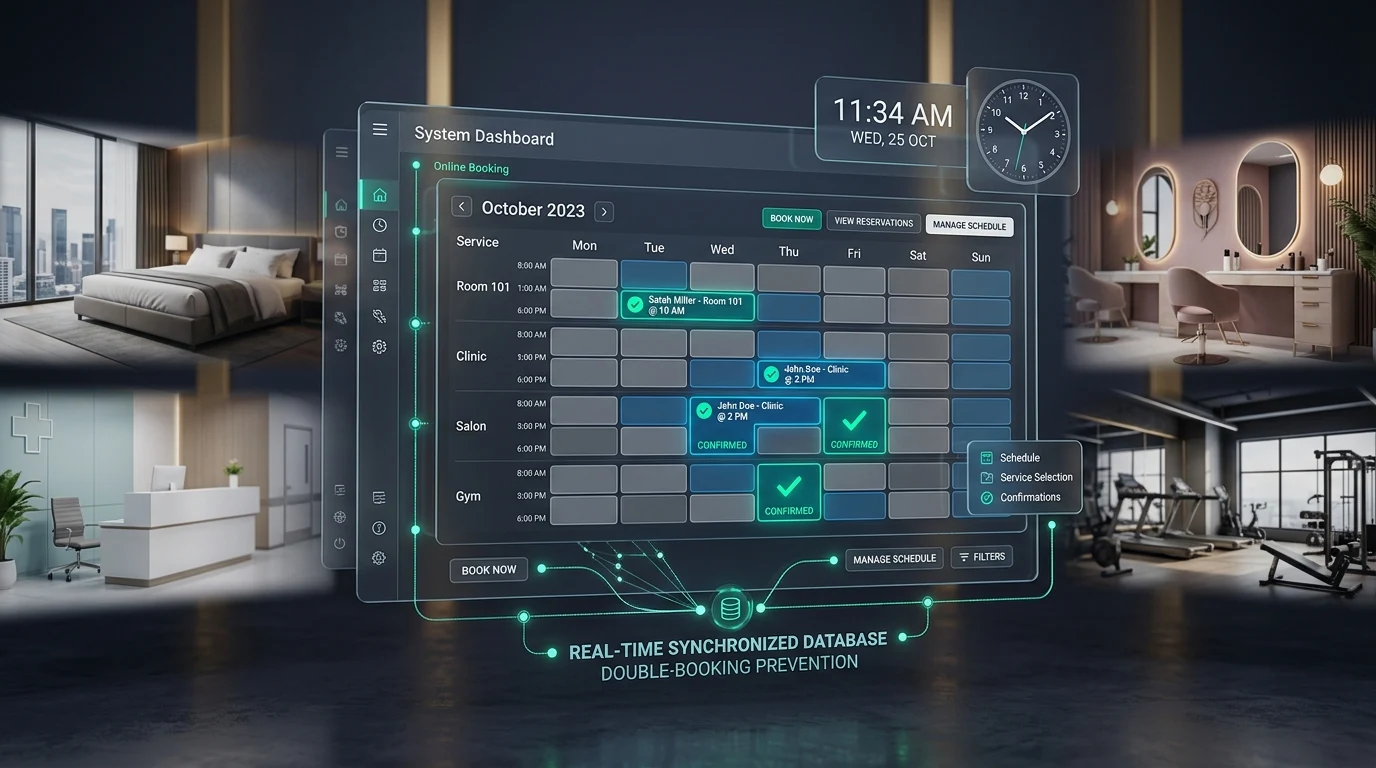
The core of such a site is an availability calendar. It accounts for the length of the service, working hours, days off, breaks, the number of resources (rooms, specialists, courts) and the bookings already made. On top of it sit the booking form, confirmation, reminders and cancellation.
The second part is money. A deposit or full prepayment sharply reduces no-shows, so booking is almost always integrated with a payment provider. The third is synchronization: if bookings are also kept in an internal system, the calendars have to be shared rather than being two different truths.
Who needs it and when
Online booking is needed when the schedule becomes more complicated than a phone call.
- The administrator cannot keep up
Bookings arrive by phone and in messengers, and some enquiries are lost outside working hours.
- Double bookings happen
Two appointments at the same time, forgotten bookings, clashes between specialists — all of it costs reputation.
- There are many no-shows
People book and do not come: without a deposit the slot simply burns.
- Utilization is invisible
There is no data on which days and hours are empty and when there are not enough resources.
What the site owns
A booking system owns the schedule and makes sure it never contradicts itself.
- Availability calendar
Slots that account for duration, breaks, days off and the number of resources.
- Protection against clashes
The slot is locked while the booking is being made, checked again on confirmation, and behaves correctly under simultaneous requests.
- Payment and deposits
Online payment, partial prepayment, cancellation and refund rules.
- Reminders
Automatic messages before and after the visit — the cheapest way to cut no-shows.
- Client account
History of visits, rescheduling or cancelling without calling the administrator.
- Administrator panel
The schedule for the day and the week, manual bookings, blocking time, utilization reports.
What launching delivers
After launch bookings arrive around the clock, clashes disappear and a deposit filters out the casual ones. We design these sites from the resource model and the scheduling rules — that is where the mistakes hide that break booking systems in their second month.