
AI agents that do the work
Not a chatbot with canned replies, but an agent with access to your systems: it reads the enquiry, finds the data, decides within the rules and performs the action — creates a record, updates an order, generates a document.
from the task to a working pilot
of enquiries closed without a human
of agent actions logged and reversible
What separates an agent from a bot is access and authority.
A chatbot follows a script: it matches a phrase and returns a canned reply. An AI agent works differently. It receives the task in plain language, decides for itself what data it needs, calls your systems through their APIs, gets the facts, and only then writes an answer or performs an action. If the data is not enough, it asks a clarifying question instead of inventing an answer.
We build agents on your data. Technically that means connecting to the company’s knowledge base — internal rules, price lists, enquiry history, documentation — through an index that keeps track of the source. The agent answers with a reference to a specific document, so the answer can be checked. Where an action in a system is needed, the agent calls your API: it opens a ticket in the CRM, changes an order status in the ERP, issues an invoice, assigns a task to a manager.
The limits are set in advance. The agent has a list of permitted actions and thresholds at which it must hand the task to a person: a doubtful case, a large amount, a complaint, anything out of the ordinary. Every step is written to a log — what it read, what it called, what it did. This is not a black box: any action can be opened, checked and, if needed, reversed.
Five steps in one cycle.
Every enquiry follows the same path — from the customer’s message to an action in your system and a line in the log.
Input
An enquiry from chat, email, a form on the site, a messenger or a voice channel.
Understanding
The agent works out the intent and pulls out the entities: client, order, amount, date, request type.
Finding the facts
Queries to the knowledge base and to your systems: stock, status, history, contract terms.
Action
A reply to the client or an operation in the system — within the permissions it was given.
Log
A record of the steps, the sources and the outcome. Doubtful cases go to a human for review.
- Answers only the phrases someone wrote in advance
- Cannot see your data
- Performs no actions in your systems
- Every new situation needs a new script
- The customer quickly asks for “an operator”
- Understands a request phrased freely
- Works on your current, live data
- Performs actions through your systems’ APIs
- A new situation means a clarifying question, not a dead end
- Hands over only what genuinely needs a person
What we build most often.
We start with the single process where the wasted time is most obvious, and expand after the pilot.
Customer support agent
Takes enquiries from chat and email, answers from your own rules and the client’s data, and files requests.
- Order status, stock levels, delivery terms
- Creating a classified ticket in the CRM
- Handing over to a person by defined rules
Document processing agent
Reads invoices, delivery notes, contracts and letters, extracts the fields you need and enters them with no typing.
- Recognising scans and PDFs
- Checking them against the order
- Flagging discrepancies for the accountant
Manager’s assistant
Drafts replies, finds products from a customer’s description and reminds about the next step on a deal.
- A draft email that already knows the client’s history
- Selecting items and pricing the offer
- A call summary and the tasks that follow it
Analytics agent
Answers questions about the company’s numbers in plain language and shows which data the answer came from.
- Queries against the data warehouse without SQL
- Explaining variances and trends
- A daily summary for the manager
Operations agent
Runs the repetitive operations in your systems: status updates, reconciliations, mailings, preparing documents.
- Reconciling stock against orders
- Automatic reminders to customers
- Generating standard documents
Internal knowledge base
An agent that answers staff questions about internal rules, instructions and project history.
- An answer with a link to the source document
- Access separated by role
- Spotting the gaps in your written rules
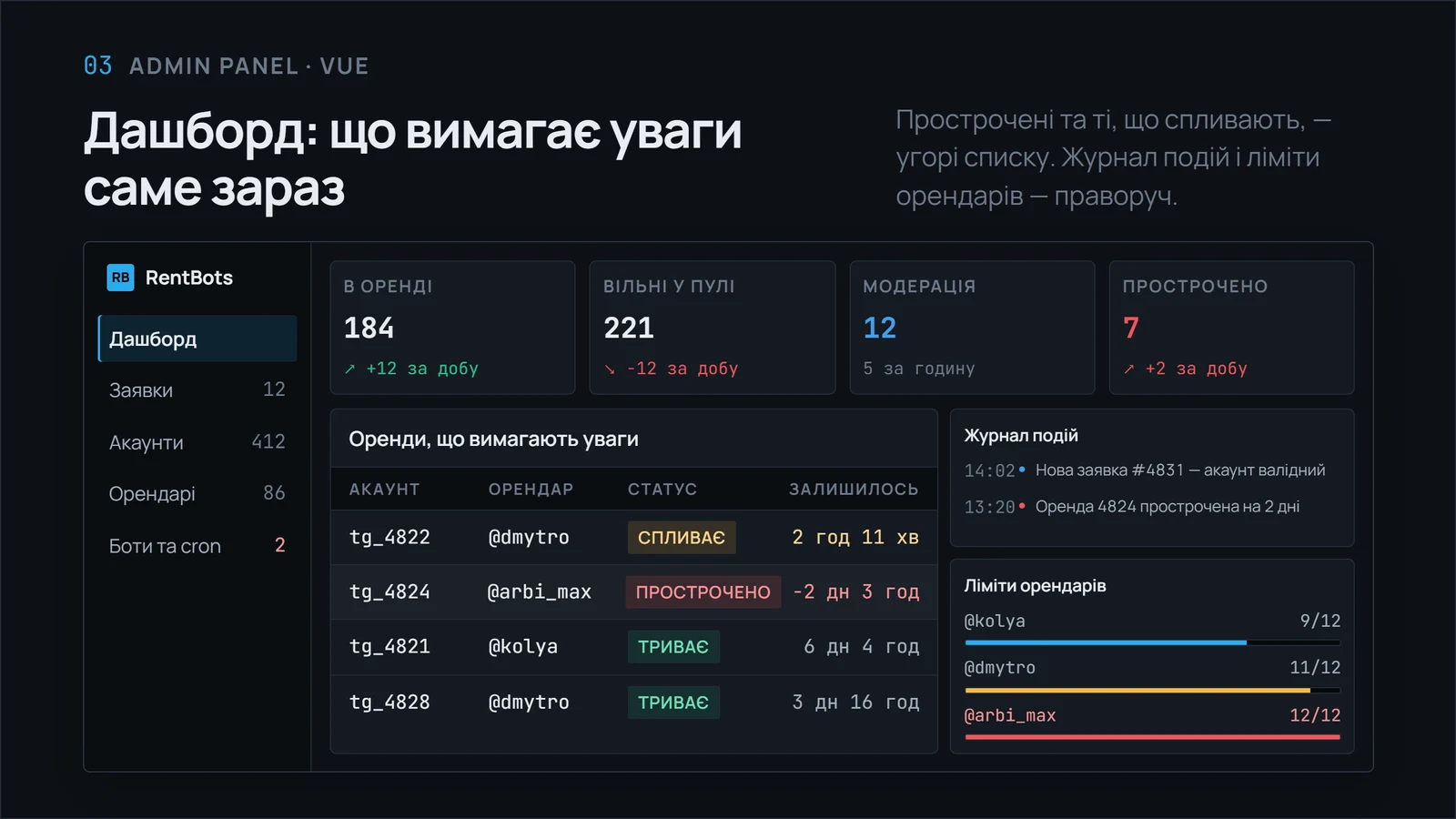
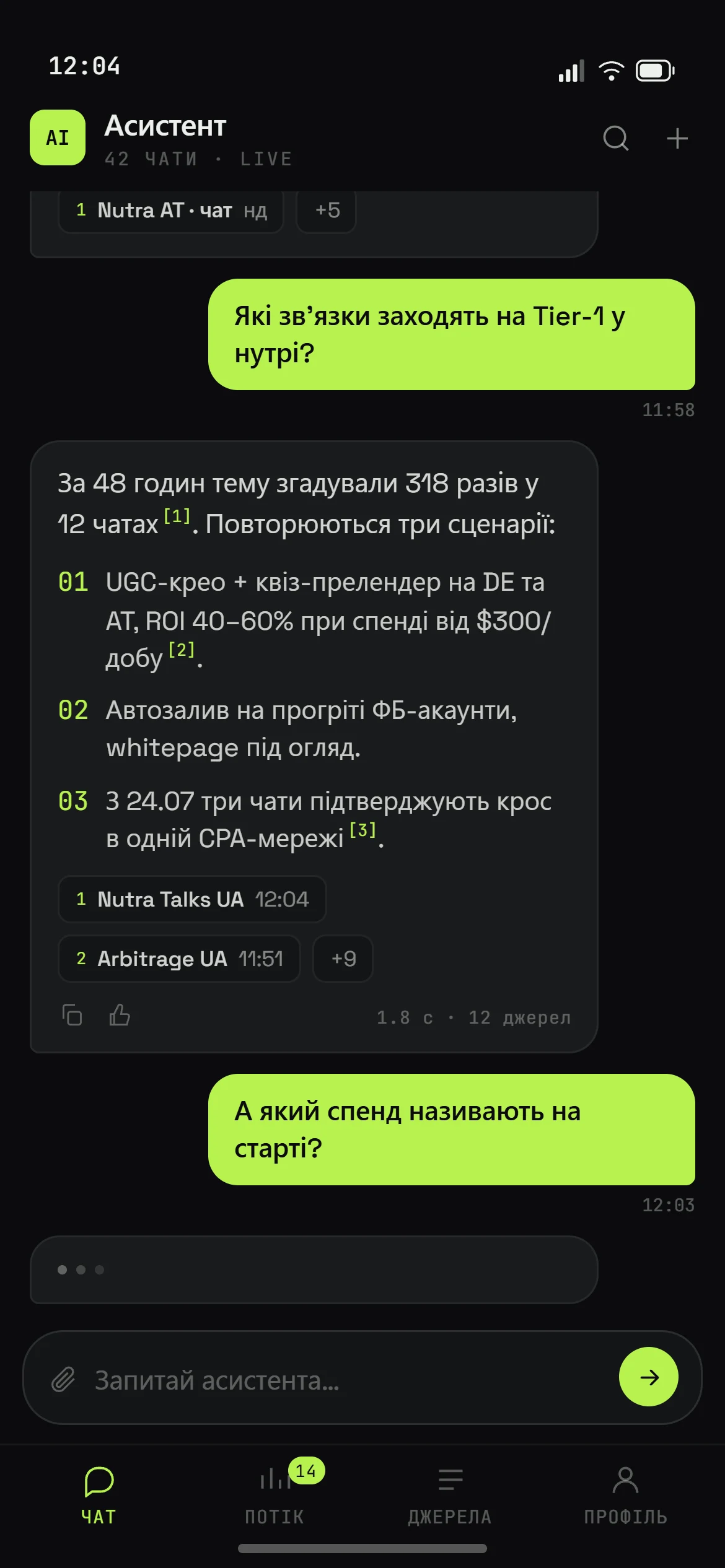
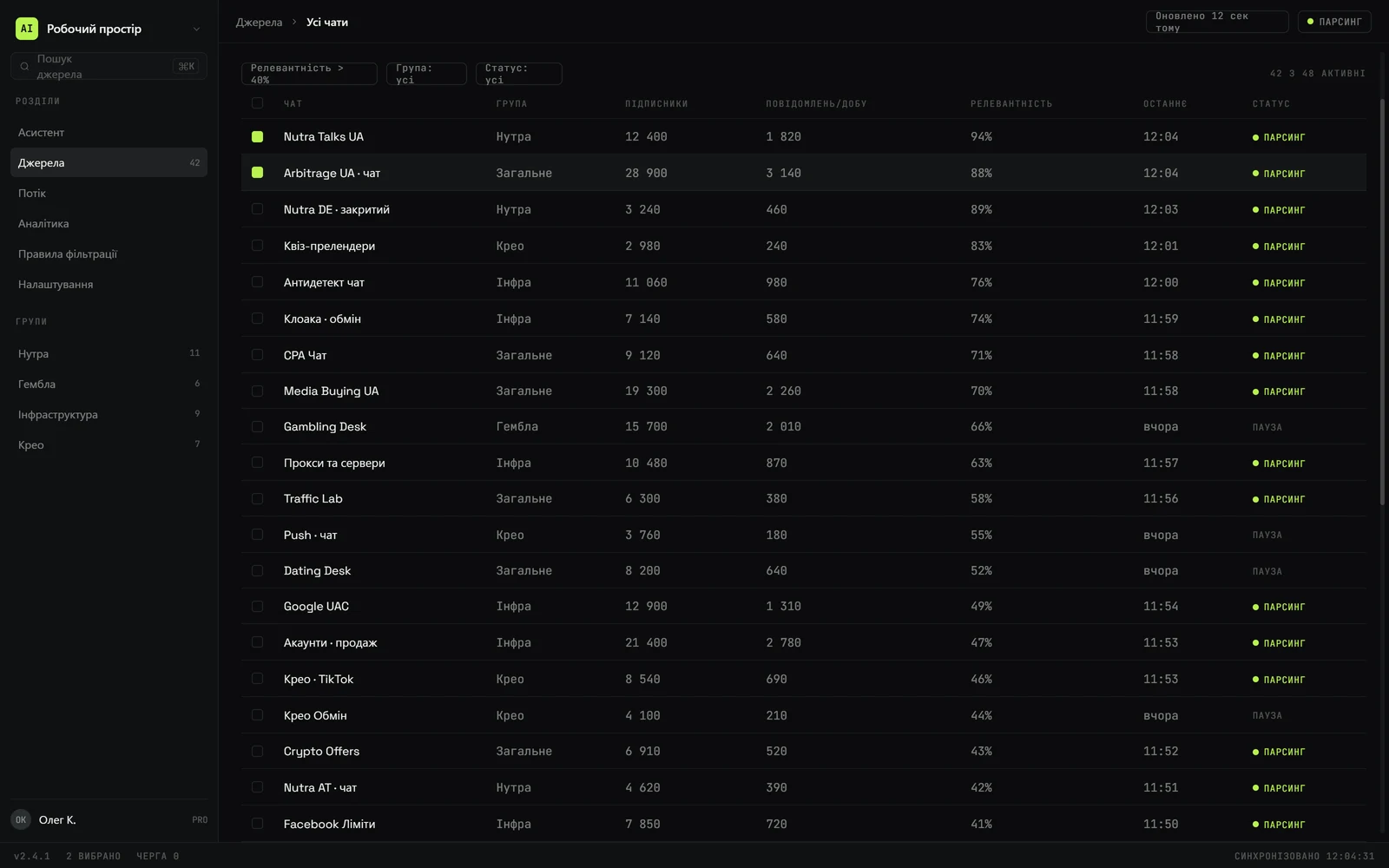
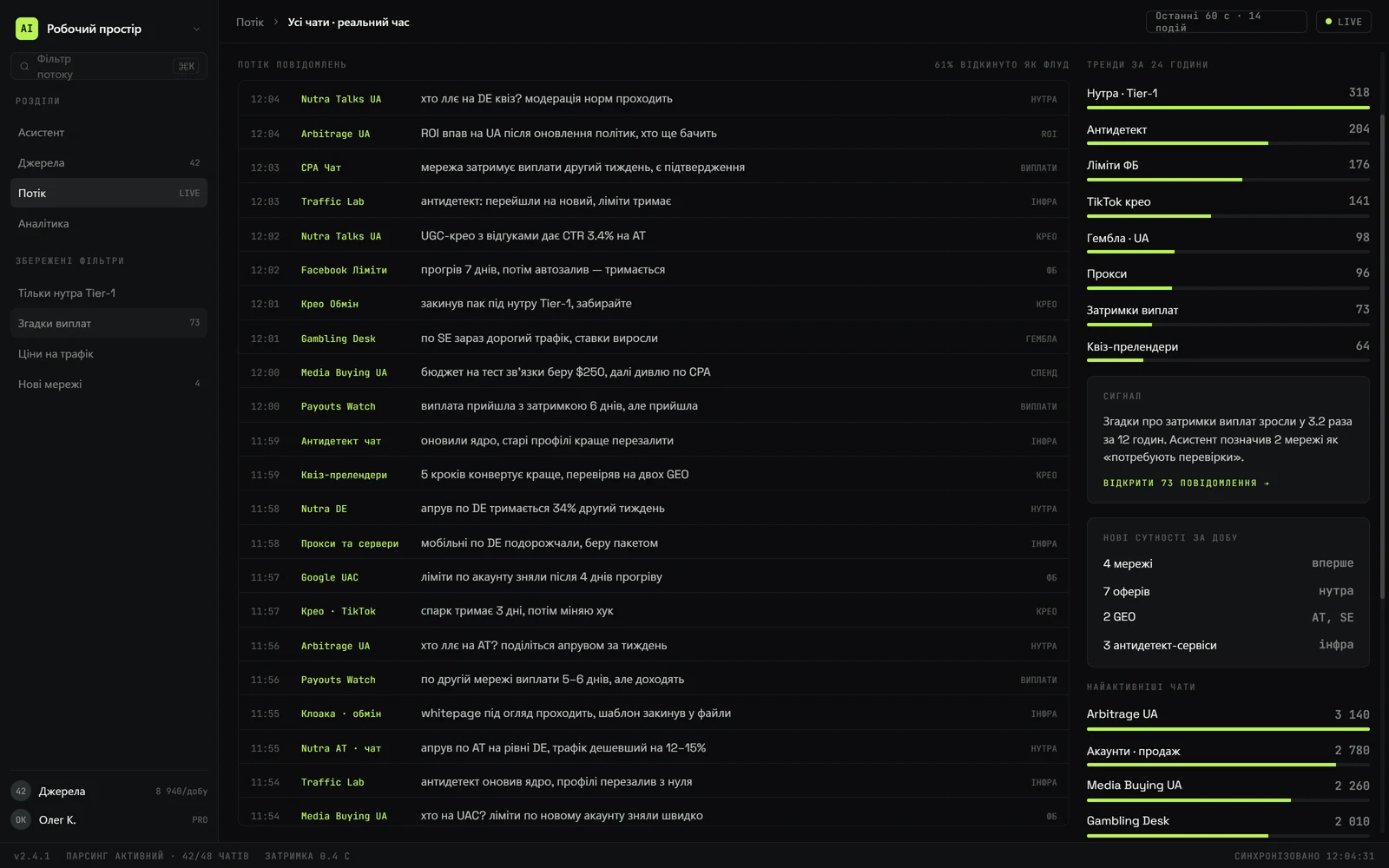
What it looks like in use.
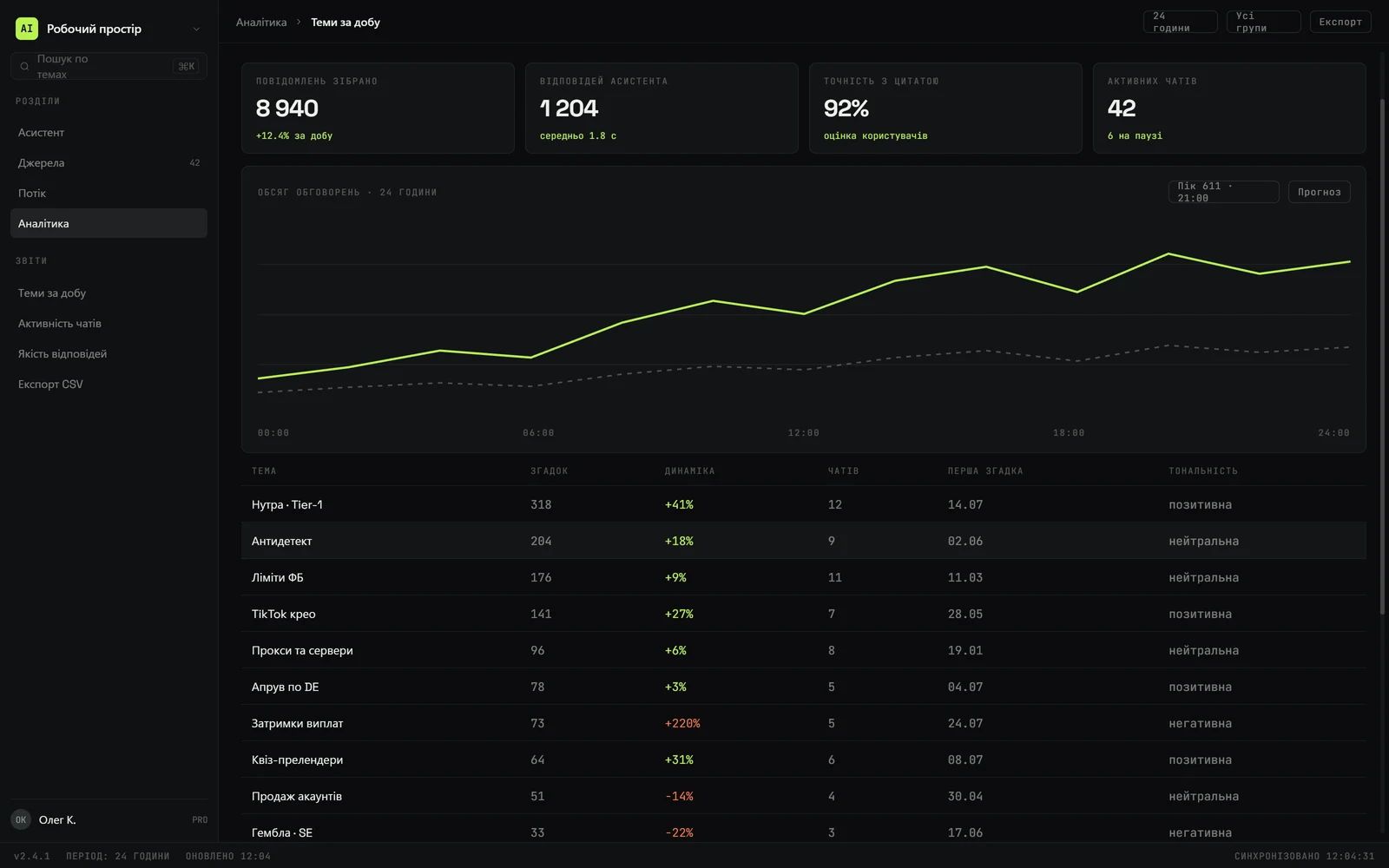
Screenshots of the agent, the control panel and the working screens.
A pilot in four to six weeks.
We do not start with a big platform. First one process, a measurable result, then the expansion.
Choosing the process
Together we work out where an agent pays off most: volume of enquiries, how repetitive they are, the cost of a mistake. We fix the metric the result will be judged by.
Data and access
We gather the knowledge base, the internal rules and real examples of enquiries. We get access to your systems’ APIs, or design an intermediate layer if there is no API.
Prototype and limits
We build a working agent, define the list of permitted actions, the escalation rules and the shape of the log. Then we run it against historical enquiries.
Supervised pilot
The agent works on the real flow, but every action is reviewed by a person. We collect the mistakes and train on them.
Autonomy and growth
We lift manual review step by step, wherever accuracy is proven. After that come neighbouring processes and a regular review of the metrics.
What people usually ask.
Can the agent make an answer up?
We build the agent so that it answers only from the sources it found, and shows which document the answer came from. If the data is not there, it does not improvise — it asks a clarifying question or hands the enquiry to a person. For actions inside your systems there are hard limits on top of that: the agent can only do what is on the list of permitted operations.
Do we have to hand our data to third-party services?
That depends on the configuration you choose. We can work with commercial models through an API — then only the minimum necessary fragment of data is sent, without personal details, and with training on your requests switched off. The other option is a model deployed in our data center or on your own server: then the data never leaves your infrastructure at all. We settle this at the start, because the choice affects the price.
How much does building an agent cost?
The cost has two parts: building and configuring the agent, and then a monthly fee for model usage and support. The main price driver is how many systems the agent has to work with and how complex the rules are. A pilot on a single process costs considerably less than people usually expect, which is exactly why we recommend starting there: you see the real effect before any large investment.
Will the agent replace our staff?
In practice the agent takes the repetitive part of the work: routine questions, manual data entry, copying between systems. People stay where a decision, an agreement or accountability is needed. In our projects the outcome usually looks like this: the same team handles a much larger flow of enquiries, rather than the team getting smaller.
What happens if the agent gets something wrong?
Every action is written to a log together with its sources, so a mistake is visible and can be rolled back. During the pilot every action is reviewed by a person, and we grant autonomy step by step, only once accuracy is confirmed. For operations where a mistake is expensive — large amounts, cancellations, changes to contract terms — human confirmation stays in place permanently.
We have no API. Does that block the project?
No. We design an intermediate exchange layer for your system — that is ordinary work for us, because we build ERP and CRM systems ourselves. In the simplest case the agent works from a scheduled data export; in the full case we add an API to your system. We estimate the size of that work during the audit, before the agent development starts.
Tell us which process eats the most time
We answer within one business day: whether an agent solves it, what data that needs and how long the pilot takes.