
Portfolio website
A portfolio site is a place where the decision to work with you is made by eye. It is needed by everyone whose work is visible: studios, architects, photographers, designers, builders, craftspeople. The main content here is not text about the company but the projects themselves — and the site’s job is to show them in a way that makes a visitor want to see the next one.
What it is
A portfolio is built around two levels: the grid of work and the page of an individual project. The grid gives an overview and filtering by type, year or industry. The project page opens up the task, the process and the result — and it is the story of the process that separates a professional’s portfolio from a gallery of pictures.
Technically such a site almost always comes down to images. Large photographs, retina screens, galleries of dozens of frames — all of it can turn a beautiful site into a slow one. So image formats, lazy loading and carefully chosen aspect ratios are critical in a portfolio.
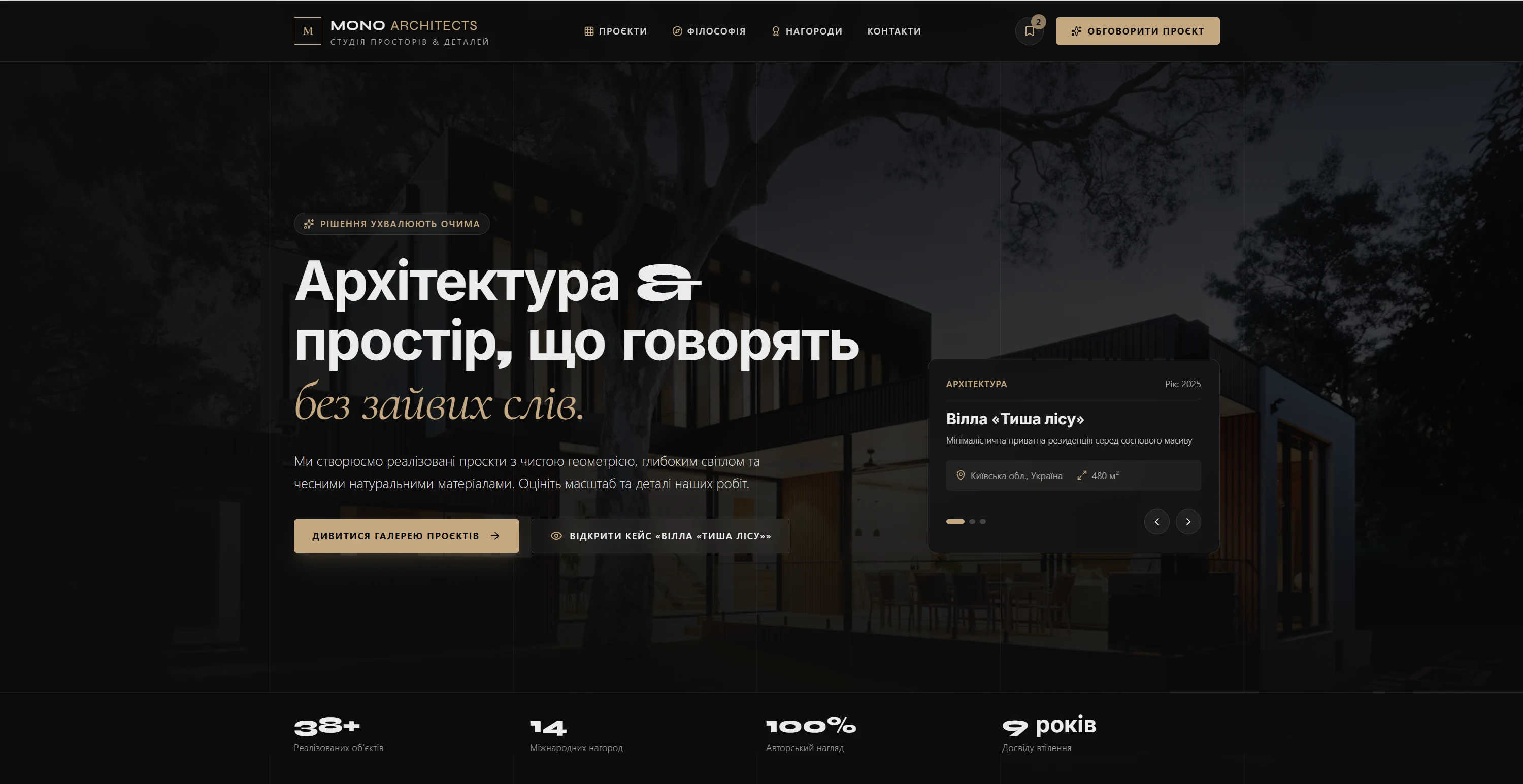
Who needs it and when
A portfolio is needed when the work exists but is not working for sales.
- The work is scattered across social media
The client has to scroll a feed to understand your level — and does not bother.
- There is no context
A beautiful photo without an explanation of the task and the result does not convince a client looking for a solution to a similar problem.
- The client cannot see their own field
There is no filter by project type, so a person cannot find an example that looks like their situation.
- There is nothing to send
Nothing exists that can be sent as one link in reply to “show me your work”.
What the site owns
A portfolio owns the first impression and the speed at which it arrives.
- Project grid
A layout that keeps a rhythm without overloading: different card sizes, careful proportions, fast loading.
- Case page
Task, process, solution, result. This structure is what turns a photo into an argument.
- Filters and categories
Type of work, industry, year, scale. A client should find something matching their situation in two clicks.
- Working with images
Modern formats, several sizes for different screens, deferred loading of galleries.
- Contact at the right moment
A form or a button right after the case — while the impression is still fresh.
- A simple admin panel
Adding a project should take five minutes, otherwise the portfolio stops being updated.
What launching delivers
A finished portfolio works as pre-selling: before the first call the client has already looked at similar work and understood your level and price bracket. We design such sites from the grid and the frame proportions rather than from the text, and we build in image optimization from the start, because that is what decides whether the visitor waits for the page to load.